Teacher web app · instant download
Take the register in three taps, type marks like a spreadsheet, and get report card comments written from your own marks, attendance and notes.


Report card season
Classbook already knows each student’s term mark, strongest and weakest areas, attendance and the notes you jotted in class. Pick a strength and a next step, and the draft writes itself with the right name and pronouns. Edit anything, then copy it into your report card system.
Nine screens
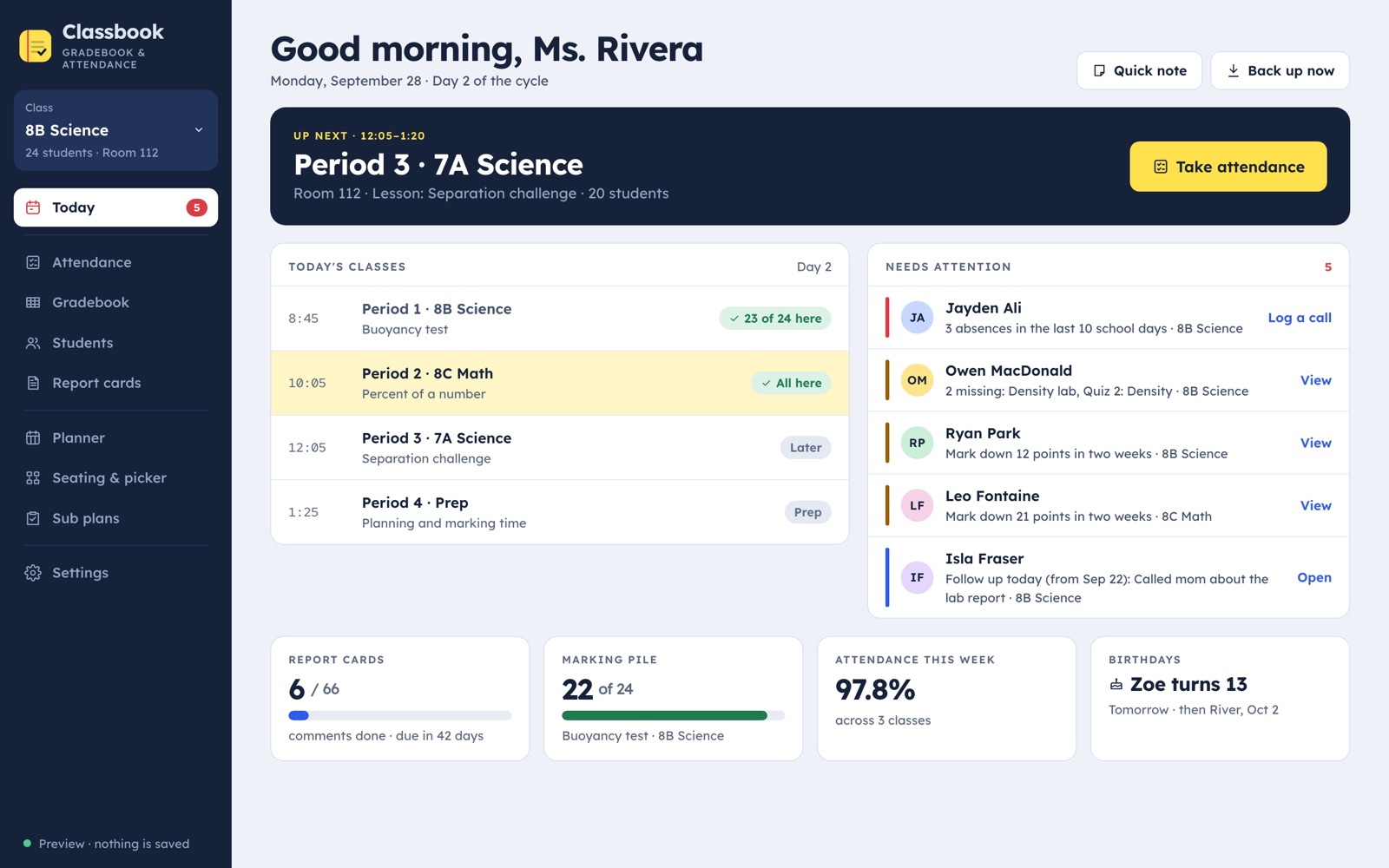
The class on now, the day’s periods, and who needs you: repeated absences, missing work, falling marks, parent calls to return.
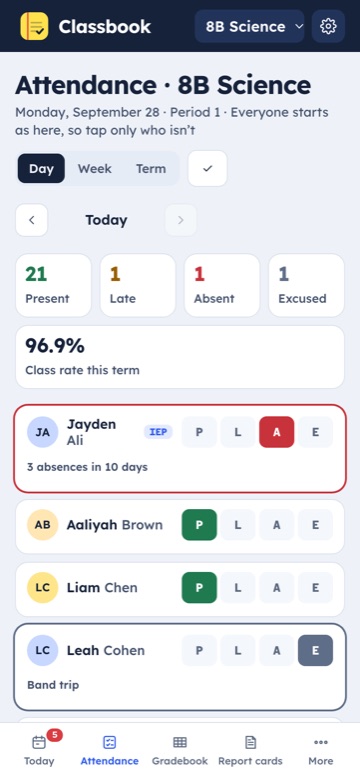
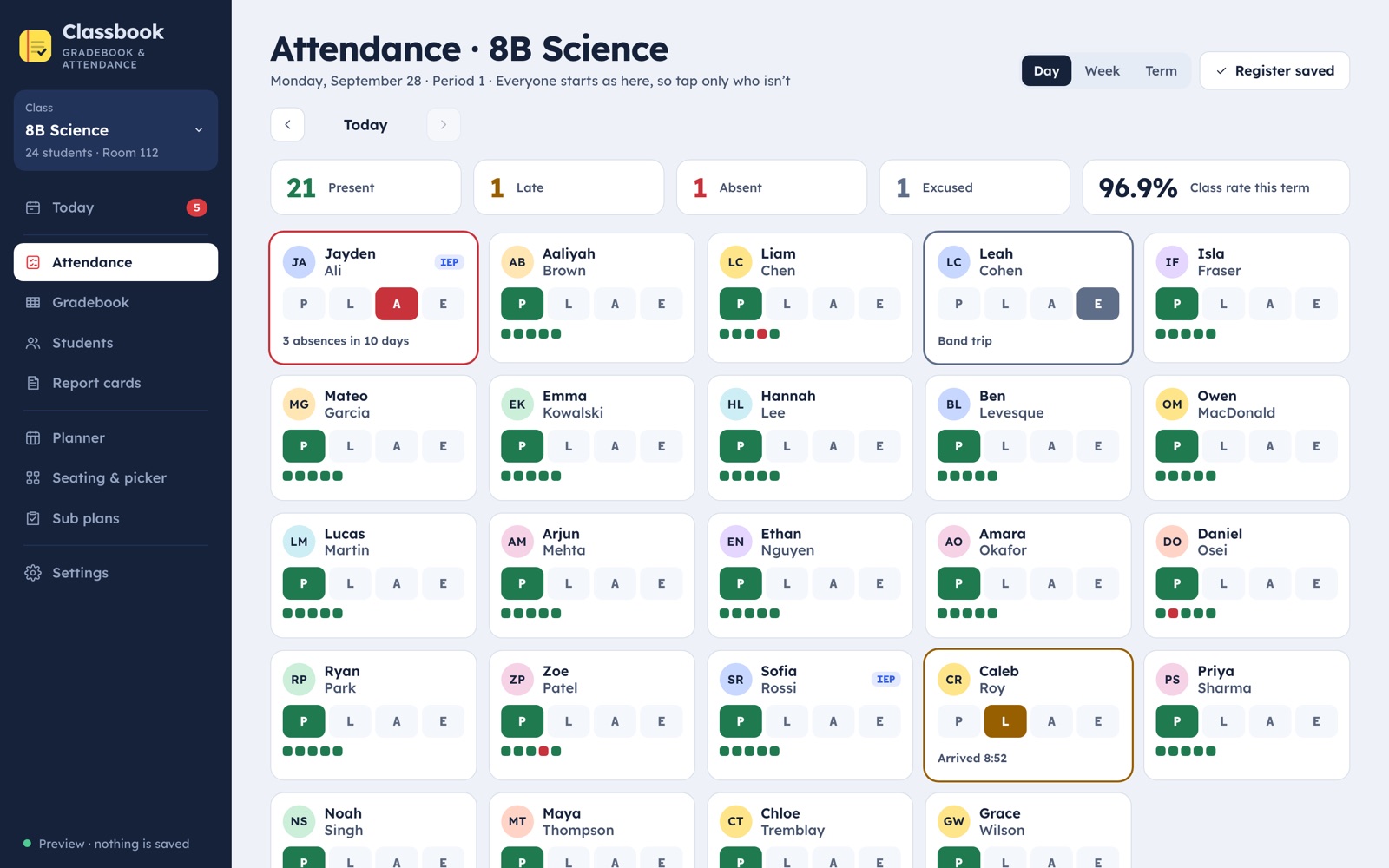
Everyone starts as here. Tap only who’s late, absent or excused. Week and term views, rates, CSV.
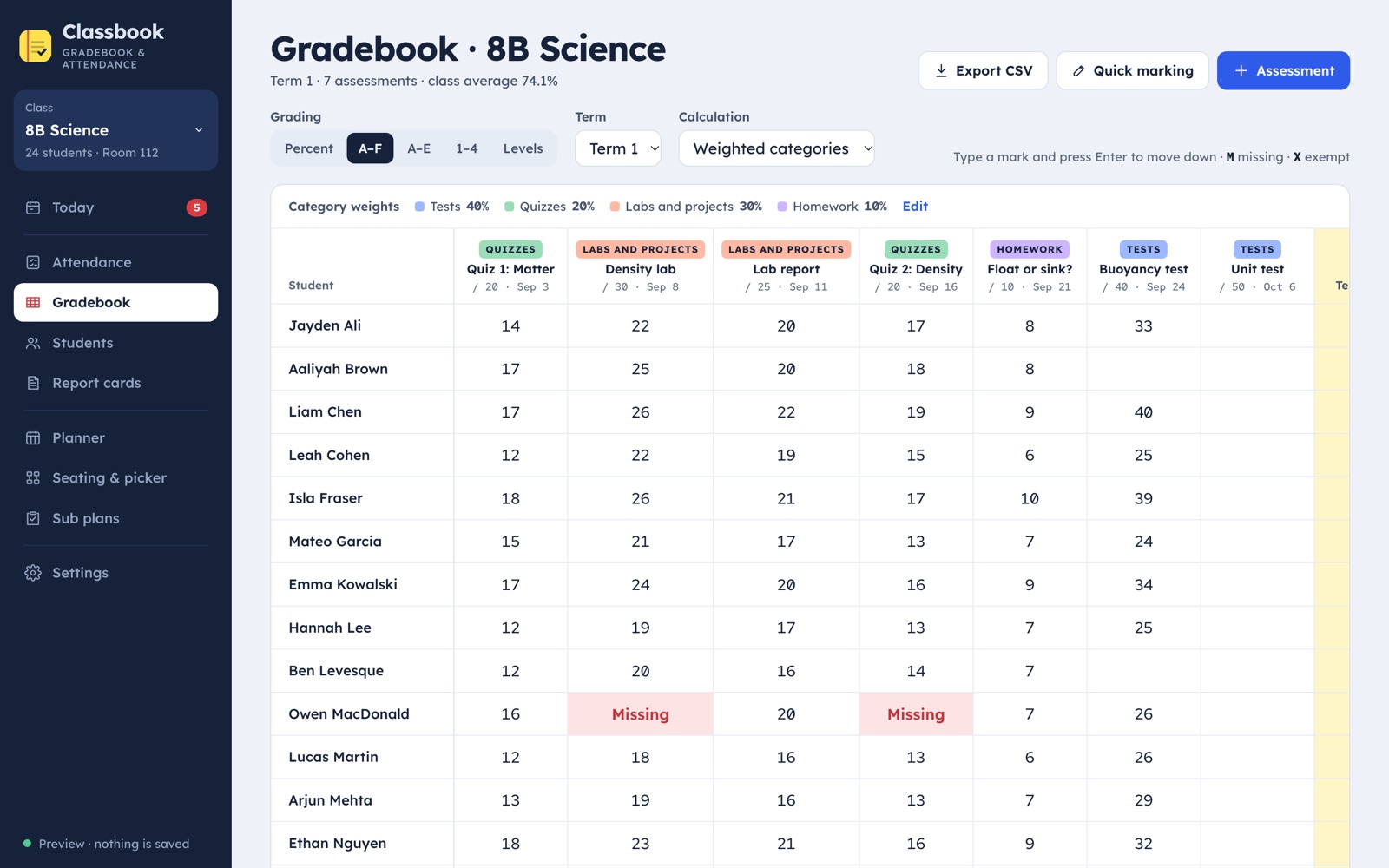
Type marks like a spreadsheet, M for missing. Weighted categories, terms, class averages, quick marking on your phone.
Paste a whole class list. Contacts, pronouns, IEP notes, allergies, and a dated log of every parent contact.
Comments from your records, in a warm, formal or brief tone, trimmed to your character limit. Copy all at the end.
Your week from the timetable, a seating chart with a fair name picker, and a sub plan ready to print.
Grading
Percent, US letters, A to E, standards-based 1 to 4, or Ontario levels with Knowledge, Thinking, Communication and Application. Marks are kept as you typed them, so switching scales never loses anything.

Attendance
Everyone starts present, so a register of 28 takes about 20 seconds. Late times are stamped for you, excused days don’t count against the rate, and the term view shows who’s slipping.

Sub plans
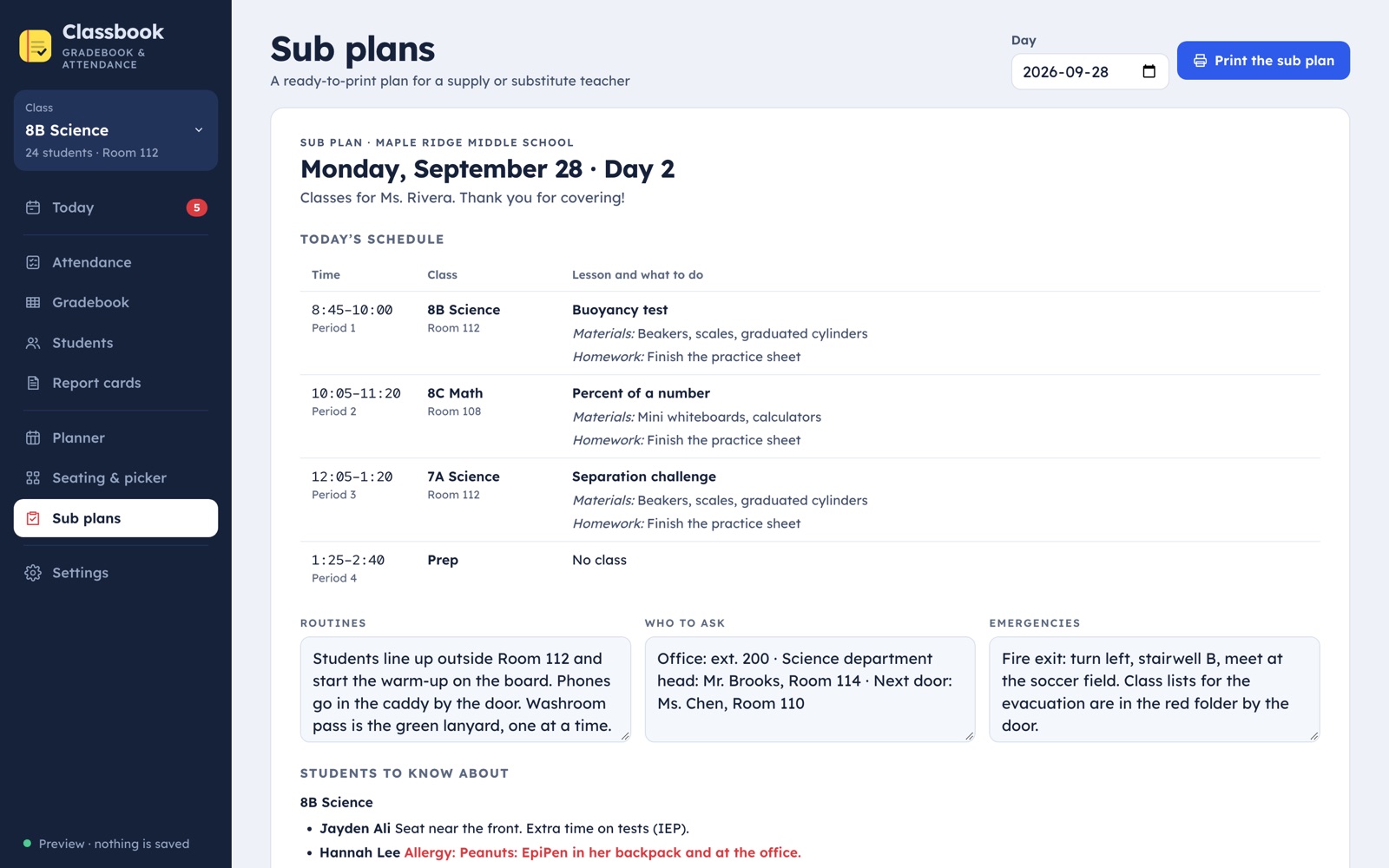
Pick the day and print: the schedule with each lesson, your routines, who to ask, emergencies, students with support notes or allergies, seating charts and class lists.

The TdotApps promise
One price on Etsy. No subscription, no per-student fees, free updates.
No account and no school approval needed. Open the link, type your code, start.
Names and marks are saved in your browser on your device, with backup files you control.
How it works
Questions
Yes, on iPhone, Android, tablets and computers, in Safari, Chrome or Edge. Add it to your Home Screen and it opens like an app, even without Wi-Fi.
Percent, letters A–F with plus and minus, letters A–E, standards-based 1–4, and Ontario levels R to 4+. You can edit the cut-offs, the categories and their weights.
No. There’s no account and no server. Everything stays in your browser and in backup files you choose to save. Check your school’s policy on keeping records on a personal device.
No. It’s your own markbook and register. Copy comments and export CSVs into the official system.
Yes. The free preview has Ms. Rivera’s sample school with three classes. Look around as much as you like; you need the unlock code to add your own.
Classbook by TdotApps
Instant download · works on any device · no subscription